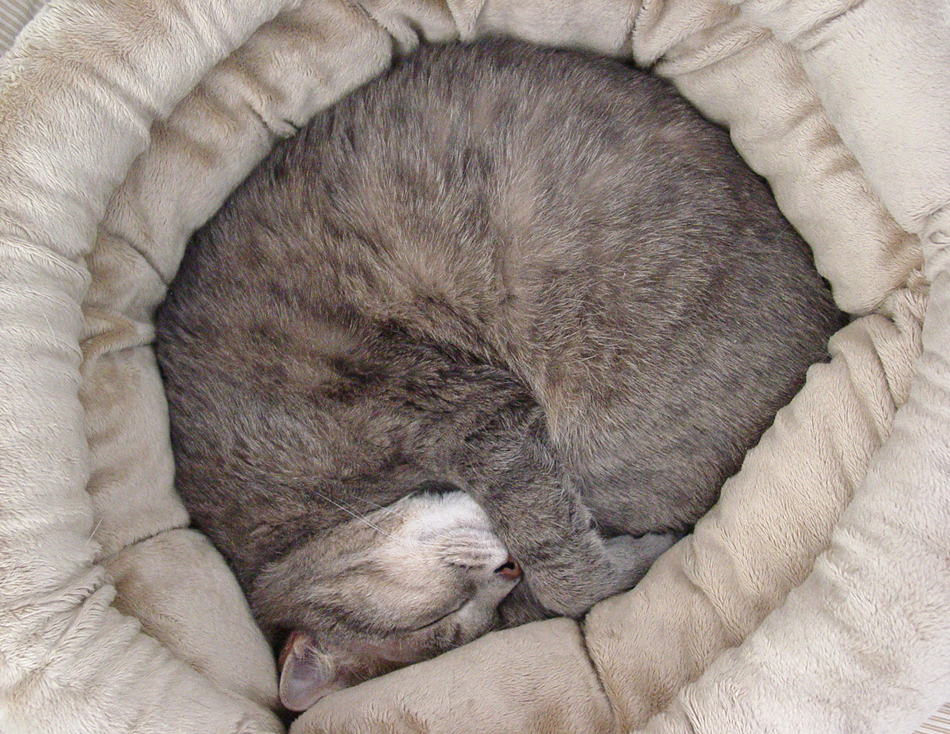
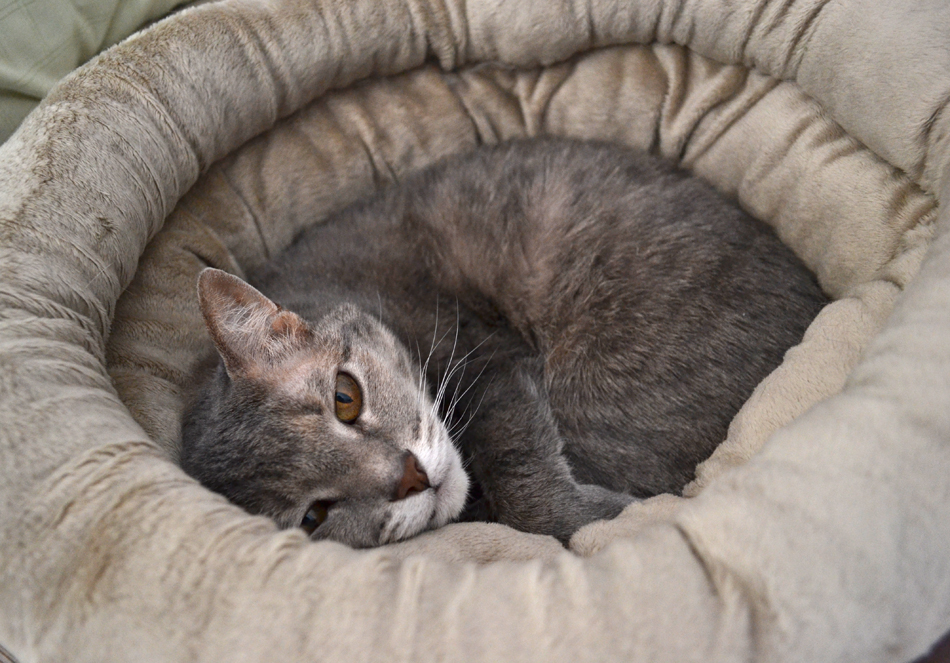
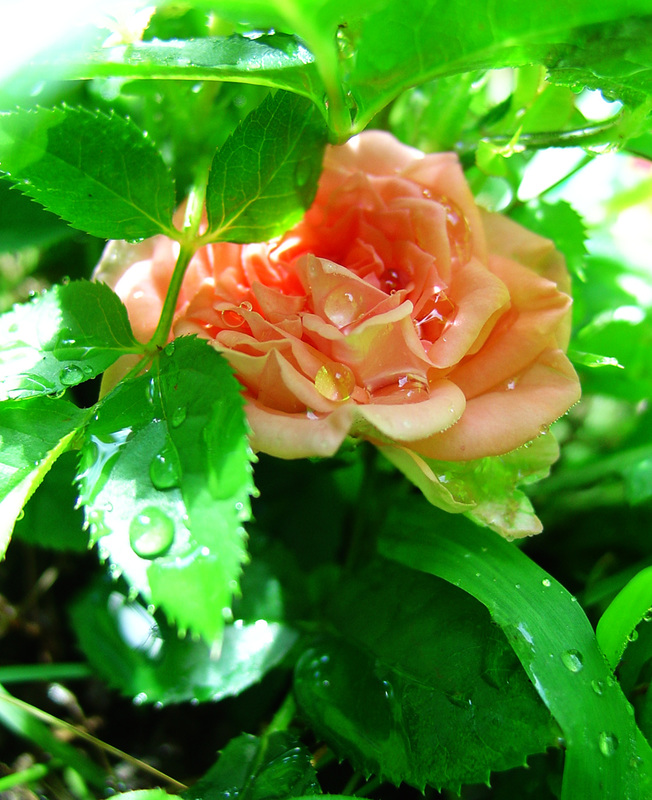
In a recent Book Illustration Class I'm taking a discussion came up about using images found online and copyright laws.  The conclusion was the best bet is to use your own material / photographs if possible. Thus, I had the idea to try to work directly from one of my photographs.  In an attempt to save time at re-drawing the images, I found this tutorial online to convert my photos to line art in Photoshop.  Here's the link... Tutorial.   Then I printed them on watercolor paper and painted in color with watercolor washes and watercolor pencils. It was a FUN exercise with pretty cool results at a fraction of the time! 

I tweaked the tutorial instructions slightly:

1. I made sure the image size was 300 dpi and the dimensions I wanted.
2. Edit out any background items you don't want in your watercolor 'drawing'.
2. Under Smart Blur, I made the settings:  Radius- 15, Threshold- 30, Quality- High, and Mode- Edge Only
3. I then selected: Image>Adjustments>Invert
If you try this, please let me know how it turned out for you!
Picture
Tyler - original photo
Picture
Tyler - watercolor
Picture
Rose - original photo
Picture
Rose - watercolor
 
 
Picture
Sleepy Fuzz
 
 
Picture
A scowling Rose....
Picture
"How dare this screen be in my way!"